무료 길이,거리,면적 측정도구(물체 기반 근사치) Free Tool for Estimating Length, Distance, and Area from Objects

22
Measure (Camera) — Distance · Length · Area
https://uplifestyle.tistory.com/832
MeasureDLA — Distance, Length, Area (Camera-based)
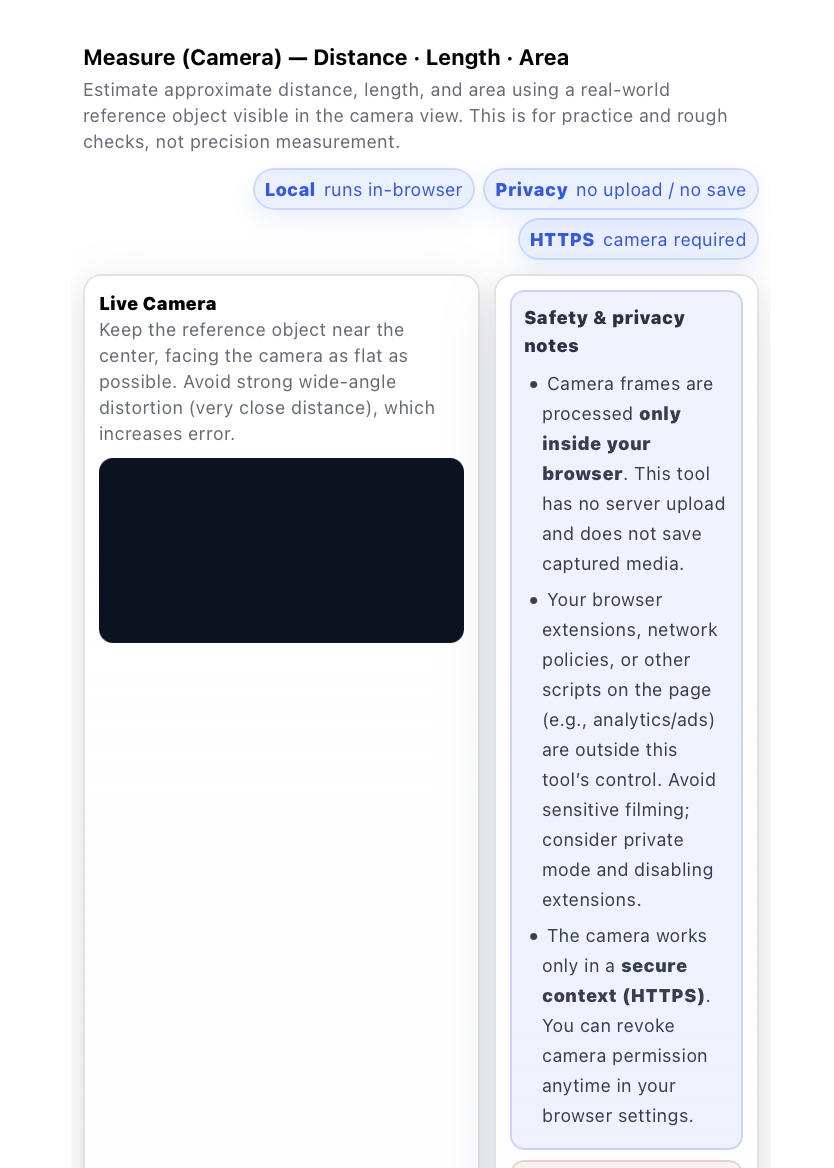
Measure (Camera) — Distance · Length · Area Estimate approximate distance, length, and area using a real-world reference object visible in the camera view. This is for practice and rough checks, not precision measurement. Local runs in-browser Privacy
uplifestyle.tistory.com

31 길이거리면적 -물체를 기준으로 거리, 길이, 면적
https://uplifestyle.tistory.com/492
길이거리면적
길이거리면적 측정값은 기준 물체와 카메라 화각, 물체와 카메라 거리 등에 따라 달라질 수 있습니다. 정확한 측정을 위해 기준 물체와 카메라 거리, 화각을 고려해주세요. 이 도구는 전문 측정
uplifestyle.tistory.com


무거운 소프트웨어를 따로 설치하지 않고도 휴대폰 카메라로 거리나 길이, 면적을 빠르게 가늠해보고 싶다면 이 브라우저 기반 도구가 좋은 선택이 될 수 있습니다. 이 도구는 웹브라우저 안에서 바로 실행되며, 카메라 화면에 보이는 실제 기준 물체를 활용해 거리, 길이, 면적을 대략적으로 확인할 수 있도록 도와줍니다. 복잡한 설치 과정 없이 바로 실행해볼 수 있고, 정밀 측정 장비처럼 과장하지 않고 어디까지나 빠른 확인과 대략적인 추정을 위한 도구라는 점을 분명하게 보여줍니다.
특히 계정을 새로 만들거나, 별도 앱을 또 설치하거나, 이미지를 외부 서버로 보내는 방식이 부담스러운 분들에게 더 잘 맞습니다. 이 도구는 브라우저 안에서 가볍게 실행되는 방식에 초점을 두고 있어서, 부담 없이 빠르게 써보고 싶은 사용자에게 실용적입니다. 휴대폰 카메라로 측정해보고 싶거나, 물체 크기를 대략 가늠하고 싶거나, 기준 물체를 활용해 면적을 확인해보고 싶을 때 자연스럽게 활용할 수 있습니다.
또한 카메라 권한만 허용되면 웹페이지에서 바로 사용할 수 있기 때문에, 모바일에서도 별도 설치 없이 비교적 쉽게 접근할 수 있습니다. 거리 측정, 휴대폰 카메라 측정, 빠른 면적 추정, 기준 물체 기반 측정 같은 기능을 찾는 사용자에게는 이런 간편한 접근성이 분명한 장점이 됩니다. 동시에 결과값은 카메라 화각, 각도, 왜곡, 기준 물체의 배치 상태 등에 따라 달라질 수 있다는 점도 함께 안내하고 있어, 기대를 과장하기보다 현실적으로 이해하고 사용할 수 있습니다.
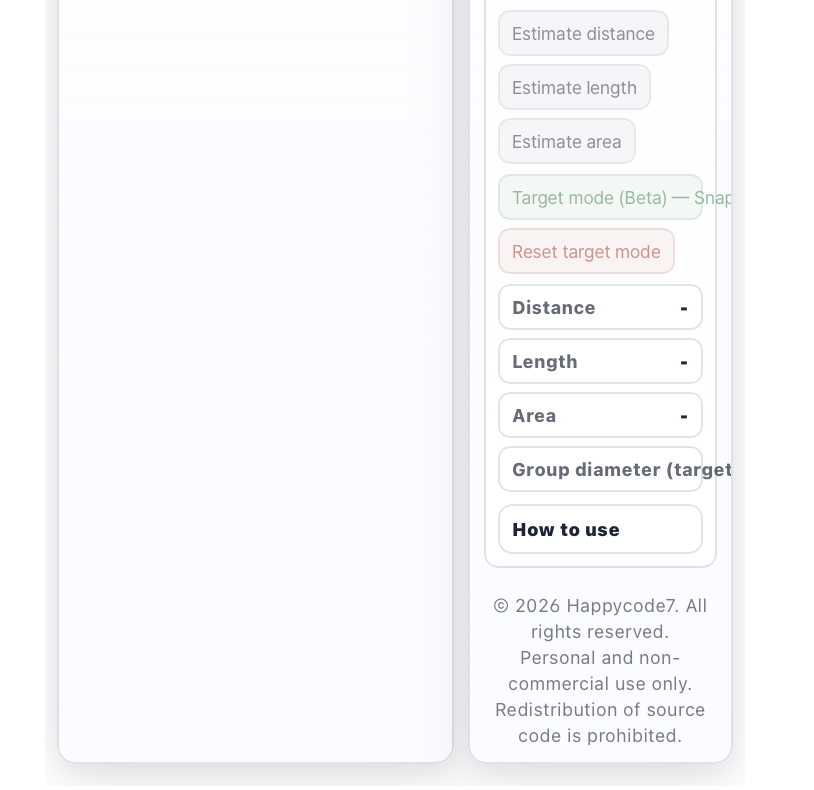
이 도구의 또 다른 장점은 하나의 화면 안에서 거리 추정, 길이 추정, 면적 추정, 그리고 스냅샷 기반의 대략적인 대상 직경 확인까지 함께 다룰 수 있다는 점입니다. 그래서 간단한 현장 확인, 취미 용도, 시각적 비교, 일상적인 빠른 체크처럼 여러 상황에서 더 폭넓게 활용할 수 있습니다. 여러 기능을 따로 찾지 않아도 한 번에 확인할 수 있기 때문에 사용 흐름도 더 단순합니다.
If you want a simple way to estimate distance, length, or area with your phone camera without installing heavy software, this browser-based tool can be a practical option. It runs directly in your web browser and helps you make rough measurements by using a visible real-world reference object in the camera view. You can try it quickly without a complicated setup, and it presents itself honestly as a tool for fast checks and approximate estimation rather than a precision measuring instrument.
It is especially useful if you do not want to create an account, install yet another app, or send images to an external server. The tool is designed to work lightly inside the browser, so it fits users who want a quick and low-friction measurement experience. Whether you want to estimate the size of an object, check a rough distance, or use a reference object to get a general area estimate, it gives you a straightforward starting point.
Another advantage is accessibility. Once camera permission is allowed, you can use it directly on a web page, which makes it easier to try on mobile devices without a separate installation process. For users looking for phone camera measurement, quick area estimation, reference-object-based measurement, or simple online distance checking, that ease of access can be a real benefit. At the same time, the tool also makes it clear that results can vary depending on camera angle, field of view, distortion, and the placement of the reference object, so expectations stay realistic and professional.
One more strength is that it brings several useful functions together in one place. Instead of focusing on only one task, it can support rough distance estimation, length estimation, area estimation, and snapshot-based target size checks in a single workflow. That makes it more convenient for everyday use, quick visual checks, hobby purposes, and simple field situations where you want a fast estimate without overcomplicating the process.
Disclaimer: This software is provided for approximate visual estimation only. It is not a precision measurement device and must not be used for engineering, medical, legal, construction compliance, safety-critical decisions, hazard assessment, or any situation where exact measurement is required. Results may vary depending on camera angle, field of view, lighting, distortion, distance, device characteristics, and reference-object placement. Users are solely responsible for independently verifying any result before relying on it. Based on the uploaded code, camera access requires user permission and a secure HTTPS context.
https://blog.naver.com/upttt_/224214569544
How to Add Web App to Your Home Screen
How to Add Web App to Your Home Screen For iPhone Open the website in Safari or Chrome o...
blog.naver.com
#camerameasurementtool #distancemeasurementapp #measurewithphonecamera #onlinemeasurementtool #browsermeasurementtool #areaestimator #lengthestimator #privacyfriendlytool #nouploadcameratool #httpscameratool #referenceobjectmeasurement #mobilebrowserutility #카메라측정도구 #거리측정앱 #휴대폰카메라측정 #온라인측정도구 #브라우저측정기 #면적추정기 #길이추정기 #로컬처리도구 #업로드없는측정 #참조물체측정 #모바일브라우저유틸리티 #프라이버시측정도구 #미터기 #カメラ測定ツール #距離測定アプリ #スマホカメラ計測 #オンライン測定ツール #ブラウザ測定 #面積推定 #長さ推定 #ローカル処理 #アップロード不要 #参照物測定 #モバイルブラウザツール #プライバシー重視ツール #相机测量工具 #距离测量应用 #手机摄像头测量 #在线测量工具 #浏览器测量工具 #面积估算 #长度估算 #本地处理工具 #无需上传测量 #参考物体测量 #移动浏览器工具 #隐私优先工具


