GreenTalk — A Privacy-First AI Plant Mood Experience (100% Browser-Based, No Uploads)
https://uplifestyle.tistory.com/842
GreenTalk
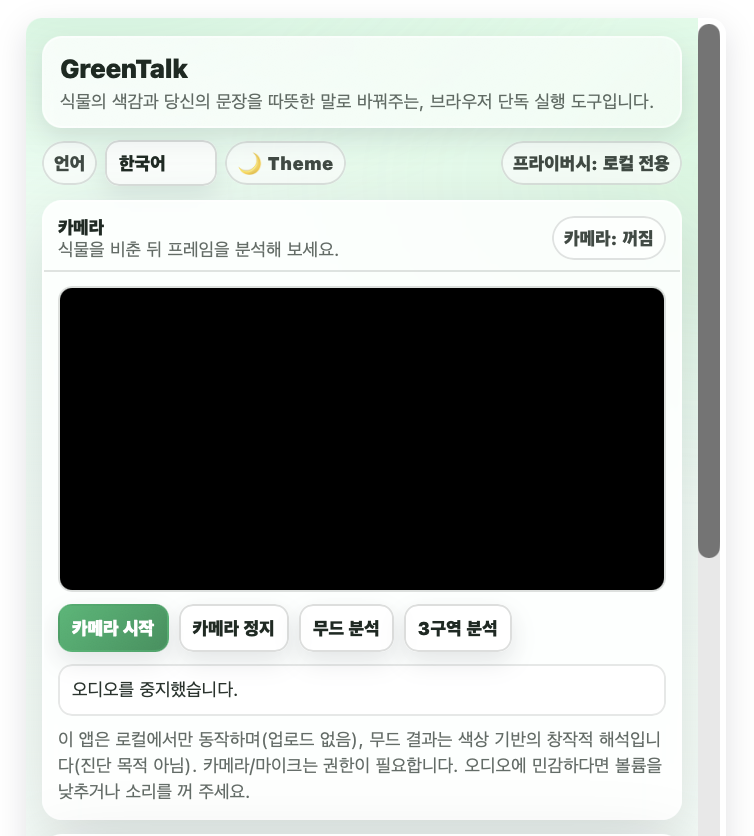
GreenTalk A gentle, browser-only experience that turns plant visuals and your message into comforting words. On-device • No uploads Language English 한국어 日本語 Español Français Deutsch 中文 🌙 Theme Privacy: Local-only Camer..
uplifestyle.tistory.com


GreenTalk is a quiet, privacy-first AI experience designed for people who prefer simplicity, calm interaction, and full control over their data.
Built entirely for the browser, GreenTalk works without uploads, logins, or external servers. Everything happens locally on your device — making it an ideal choice for users searching for secure, lightweight, and privacy-safe AI tools.
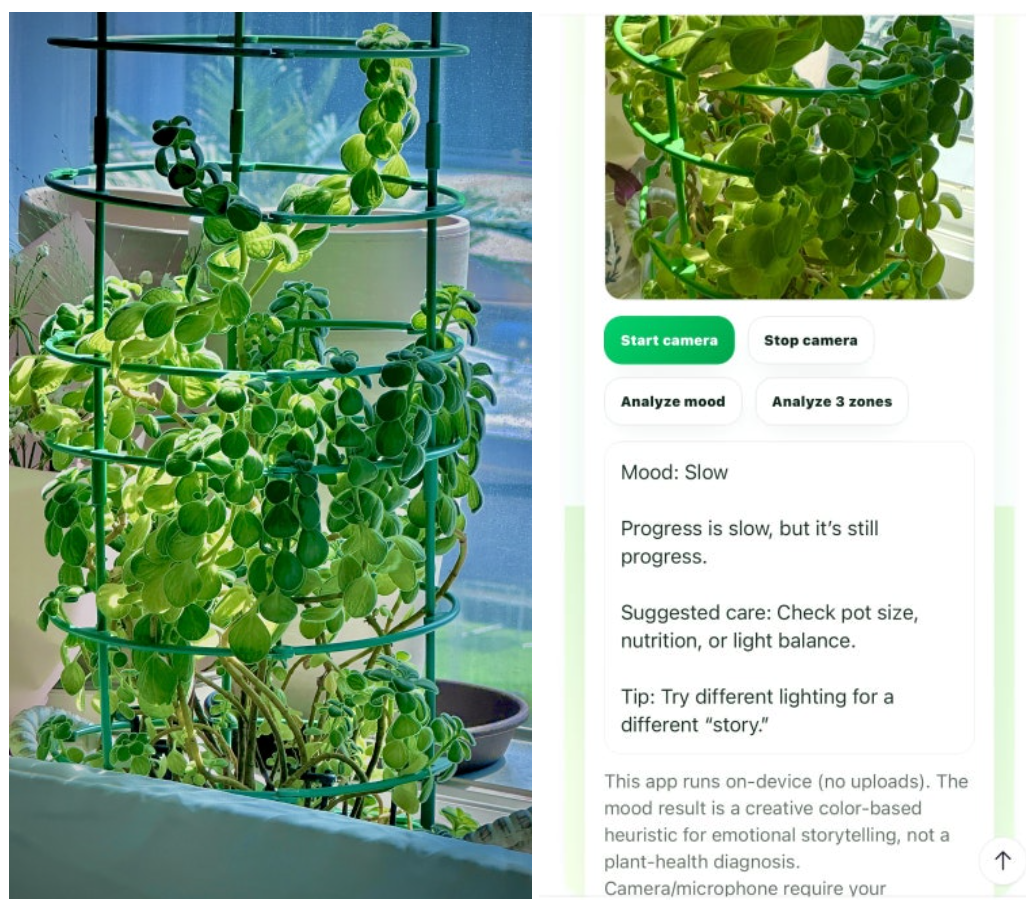
Using your camera, GreenTalk reads the visual tone of your plant and transforms it into a gentle, expressive “mood.”
It then combines that mood with your own message to create a soft, reflective response — turning a simple interaction into a moment of calm.
This approach aligns with what many global users are currently looking for:
- browser-based AI tools
- no upload AI apps
- privacy-focused AI software
- lightweight AI experiences
- camera-based visual analysis tools
- AI without login or tracking
Rather than focusing on accuracy or diagnosis, GreenTalk is intentionally designed as a mindful interaction tool — something closer to a digital pause than a utility.
With built-in multilingual support, it offers a seamless experience for users across regions without requiring installation or setup.
No accounts. No data collection. No friction.
Just open, interact, and take a breath.
Disclaimer
GreenTalk is provided for creative and experiential purposes only.
The “plant mood” output is based on visual color interpretation and does not represent scientific analysis, plant health evaluation, or professional advice.
The developers make no guarantees regarding:
- accuracy of results
- plant condition or outcomes
- compatibility across all devices or browsers
All processing is performed locally within the user’s browser.
No data is transmitted, stored, or shared externally.
By using this software, you acknowledge and agree that:
- you are solely responsible for how you use the tool
- it is not intended for medical, agricultural, or professional use
- the developers are not liable for any direct or indirect consequences
Unauthorized copying, modification, or redistribution is strictly prohibited.
How to Use
- Click “Start camera” to activate your device camera.
- Point the camera at your plant so that leaves or stems are clearly visible.
- Click “Analyze mood” to capture a frame and generate the plant mood result.
- Optionally, click “Analyze 3 zones” to scan different areas of the plant.
- Enter a message and click “Hear a reply” to receive a gentle response based on the analyzed mood.
Tips for Better Results
- Keep the plant well-lit using natural or soft lighting
- Make sure the plant fills most of the camera frame
- Hold the camera steady when analyzing
- Avoid very dark or overexposed environments
Notes
- This tool provides a creative, color-based interpretation, not a plant health diagnosis
- All processing happens locally in your browser
- No data is uploaded or stored externally
#aiPlantTool #plantMoodAnalyzer #browserAI #noUploadAI #privacyAI #localProcessing #cameraAITool #plantInteraction #AIWebApp #lightweightAI #noLoginAI #visualAI #plantCommunication #webAITool #offlineAI #secureAI #minimalAI #AIExperience #interactiveAI #plantScanner #AIForWellbeing #digitalWellness #creativeAI #AIWithoutCloud #safeAITool #modernAI #globalAItool #AIsoftware #plantApp #AIinterface


